Booking a room for a client call? It is advised to test the connection strength and call quality before you get the client on. Run a mock meeting with your colleagues joining from a different room and ask if anything was difficult to follow.
Rehearsing a client call can boost your confidence more than any guide or to-do list.
There are two types of people to consider before comparing your options for meeting rooms in Indiranagar. The ones sitting around the table and the ones joining the call remotely through a screen. Both are equally important for the discussion. Here is a detailed checklist on what to look for before confirming your meeting room subscription.
Give the provider a clear meeting brief
Tell the provider how many people will attend in person, how many will join remotely and which meeting platform you use. Include anything beyond a conversation: a product demonstration, spreadsheet review or workshop with a whiteboard.
Mention who will present. If the client needs to share their screen halfway through, test that change during setup. Also confirm whether you must bring your own laptop, adapters or other equipment. It is much easier to arrange these before the day of the meeting.
Listen from the other side of the call
Can the microphone pick up everyone?
During the test, speak from the seats at both ends of the table. Ask your remote colleague whether they can hear each person clearly without anyone leaning forward or raising their voice.
A microphone that works for the person beside the laptop may not pick up someone at the far end. Find out what equipment is available for the room you are considering.
Can everyone hear the remote guests?
Listen to a remote speaker from each part of the room. Check for echo, distortion and noise from adjoining areas. Use one device or conferencing system for the room’s microphone and speakers. Anyone joining from another laptop in the same room should disconnect that laptop’s meeting audio to avoid echo and feedback.
Try your actual presentation on the screen
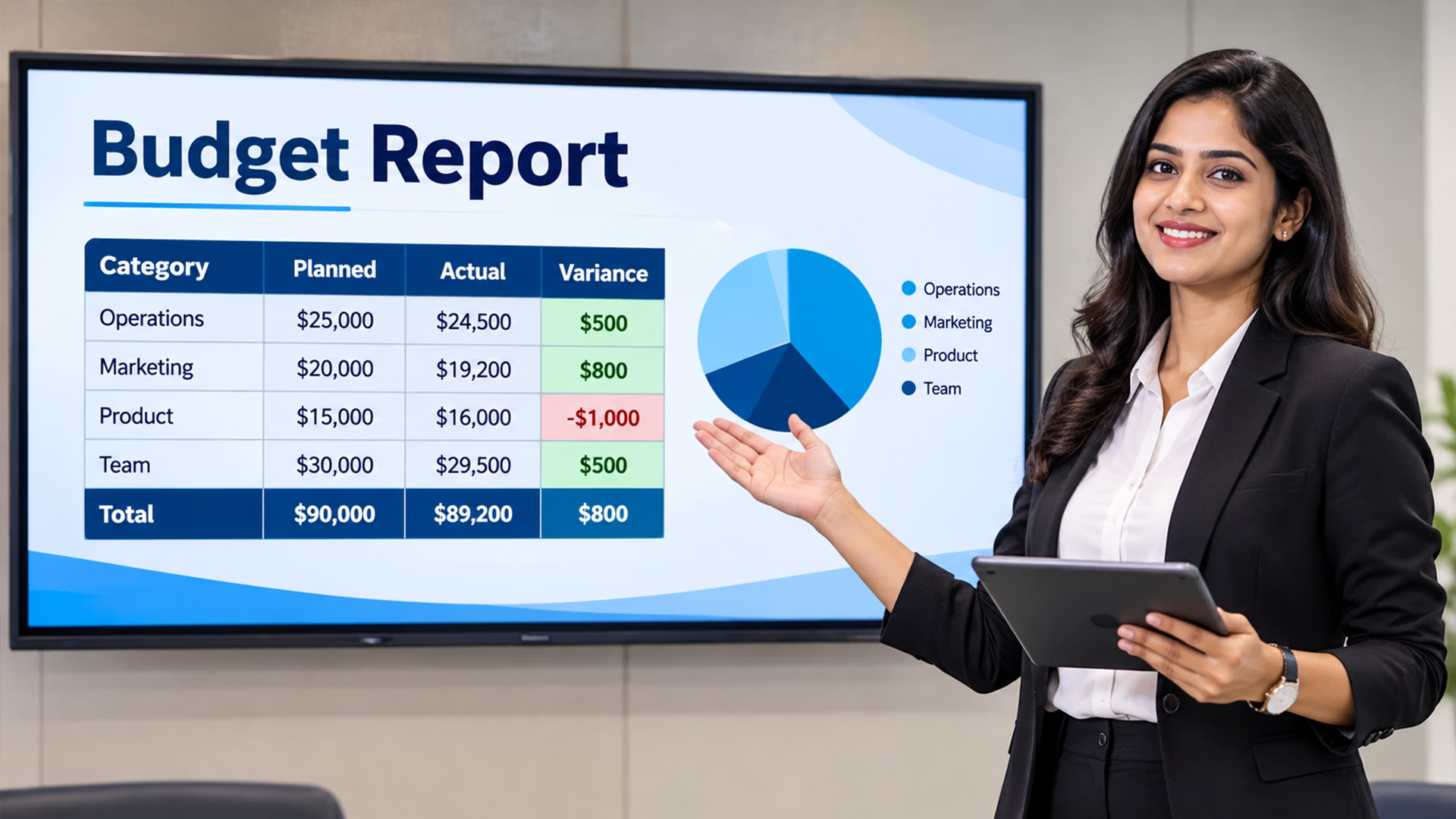
Bring a sample of what you will show. A slide with a large heading is easy to read; a budget sheet or software dashboard needs a closer look.
View it from the furthest seat and ask the remote participant to check their view too. Confirm the connection method, required adapters and whether your work laptop permits it. Company device restrictions can affect how you connect.
If the presentation includes video, test the sound as well. Leave time to resolve connection or sharing permissions before the client joins.
Check the room before your clients join.
Explore Beginest meeting rooms and discuss the audio, display and seating arrangements your hybrid meeting needs.
Make space for remote participants in the discussion
Check the camera view with people seated around the table. Can remote guests see the speakers, or are some faces outside the frame? Notice whether a window behind the table makes faces difficult to see.
For workshops, decide how everyone will see notes and diagrams. If you use a physical whiteboard, check its visibility through the camera or arrange to share the notes digitally.
Choose someone to watch the remote participants and chat during the meeting. Otherwise, a question can sit unnoticed while the people in the room continue talking.
Confirm internet access and the backup arrangement
Ask how visitors connect and whether the meeting platform works on that network. Complete any sign-in steps during setup, particularly if a guest will use their own laptop to present.
Discuss what happens if the connection drops. Who can help, and is another connection available? Check mobile reception if you intend to use a hotspot as a fallback.
For power backup, ask whether it covers the network, display and conferencing equipment. You need to know which parts of the meeting can continue during an interruption.
Check privacy, arrival and room access
If you will discuss pricing, contracts or unpublished work, ask whether conversations carry into the corridor or adjoining rooms. Check whether the display is visible from outside.
Share the exact building location, reception instructions and host contact with attendees. Confirm parking arrangements rather than assuming a meeting-room booking includes parking.
It also helps to know where early arrivals can wait and whether the room is accessible to everyone attending. These arrangements should be settled before you send the final invitation.
Book enough time for setup and questions
The calendar invitation may be for one hour, but your room access needs to account for connecting equipment and checking the call. Ask when you can enter and whether setup is included in the booked period.
Get written confirmation of:
- The room, date, access time and booking duration.
- Included equipment and any additional charges.
- Applicable taxes, refreshments and support availability.
- Extension charges and whether an extension is possible.
- Cancellation or rescheduling terms.
If another group has booked the next slot, running over may not be an option. Plan the agenda with a little room for client questions.
Confirm the specific room with Beginest
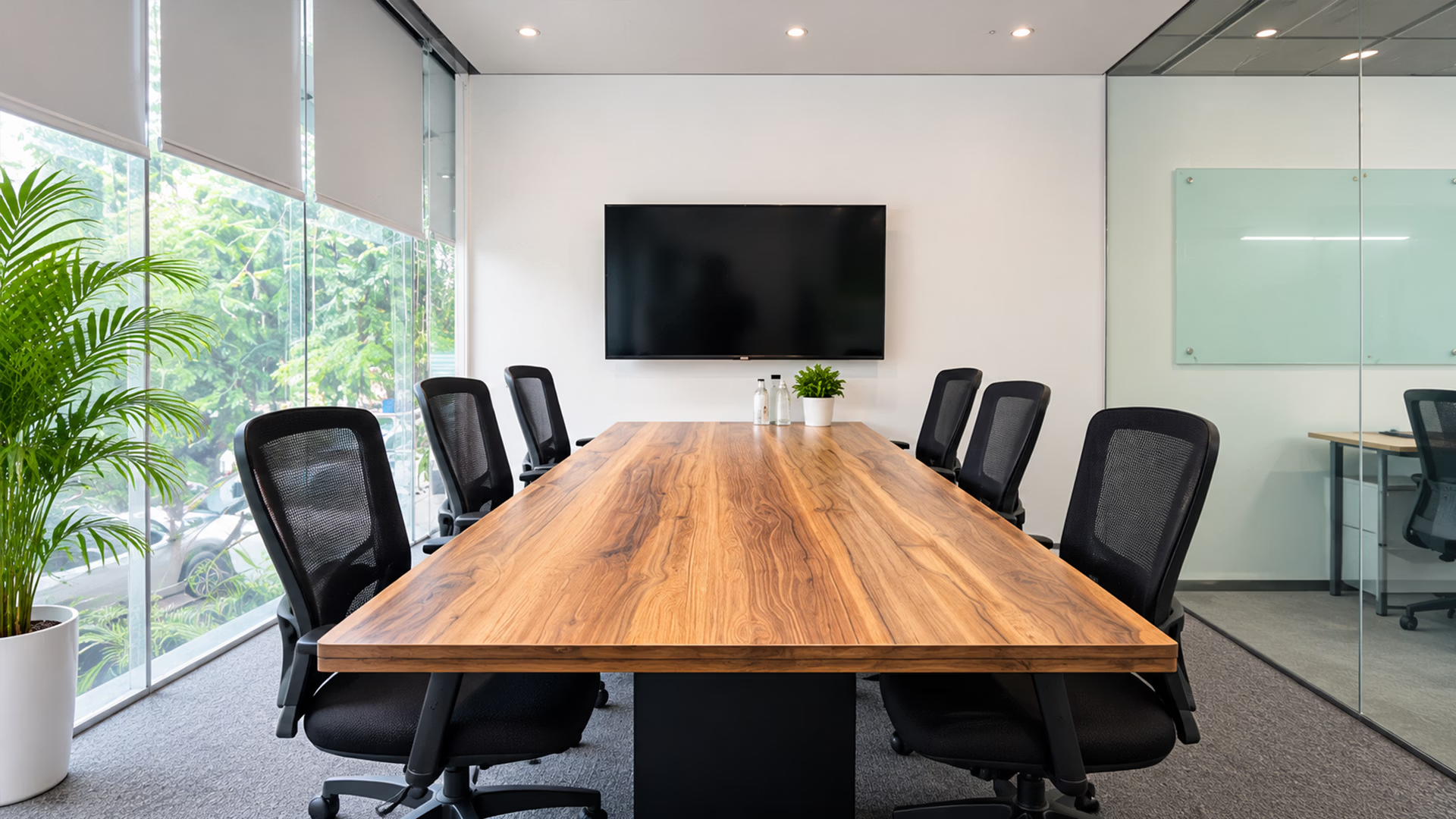
Beginest's meeting-room options include Indiranagar Harbor 2 and Harbor 4. Share your attendance numbers, meeting platform and presentation requirements when enquiring.
Ask the team to confirm the equipment and arrangements for the room available on your preferred date. A brief test and a written booking summary will give you something concrete to prepare around.
Planning a client meeting in Indiranagar?
Share your date, duration and hybrid meeting requirements with Beginest to check suitable room options and availability.
Frequently asked questions
What should I check when booking meeting rooms in Indiranagar for a hybrid call?
Check microphone coverage, camera framing, speaker clarity, screen sharing, internet access and privacy. Confirm the equipment for the specific room you intend to book.
Should I bring my own laptop and adapters?
Confirm this with the provider. Share your laptop's connection requirements and ask which cables, adapters and conferencing devices are included before arriving.
Can a remote client present during the meeting?
Test presenter permissions on your chosen platform and confirm the shared content appears on the room display. Include this in your rehearsal.
Does the booking duration include setup time?
Ask before confirming. Check when you can enter the room, whether setup time is chargeable and what happens if the previous booking runs late.
Can I book a Beginest meeting room by the hour?
Beginest lists hourly and half-day meeting-room bookings. Confirm availability, the suitable room, current charges and booking terms for your preferred Indiranagar location.